Machinon
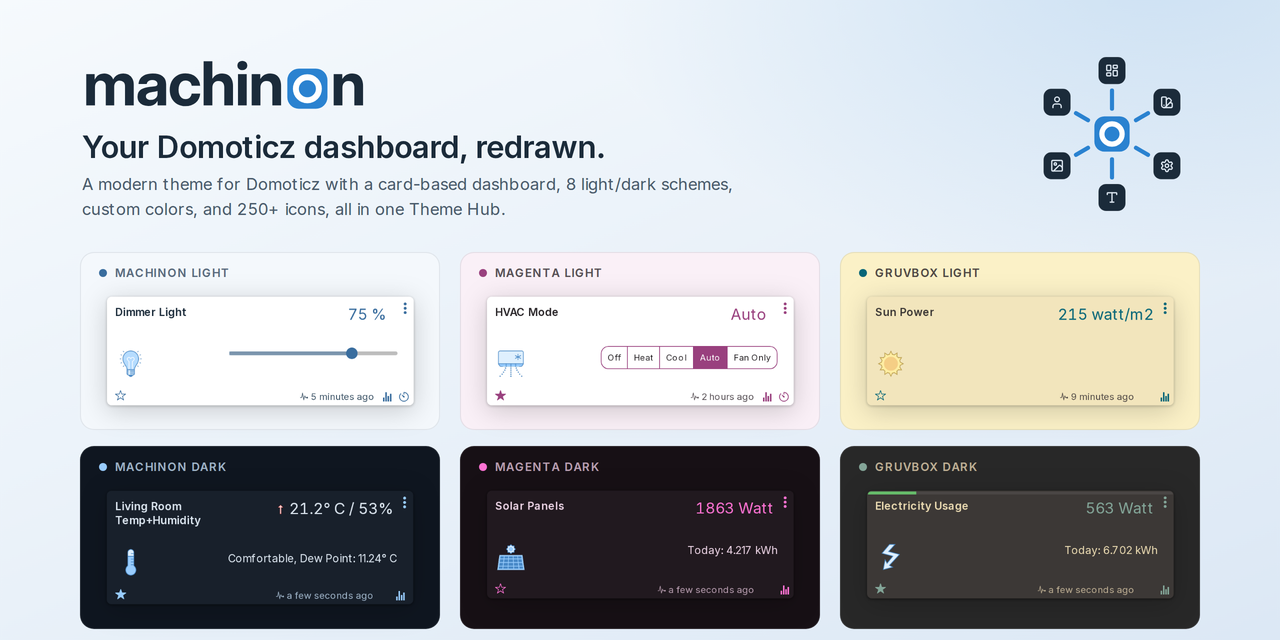
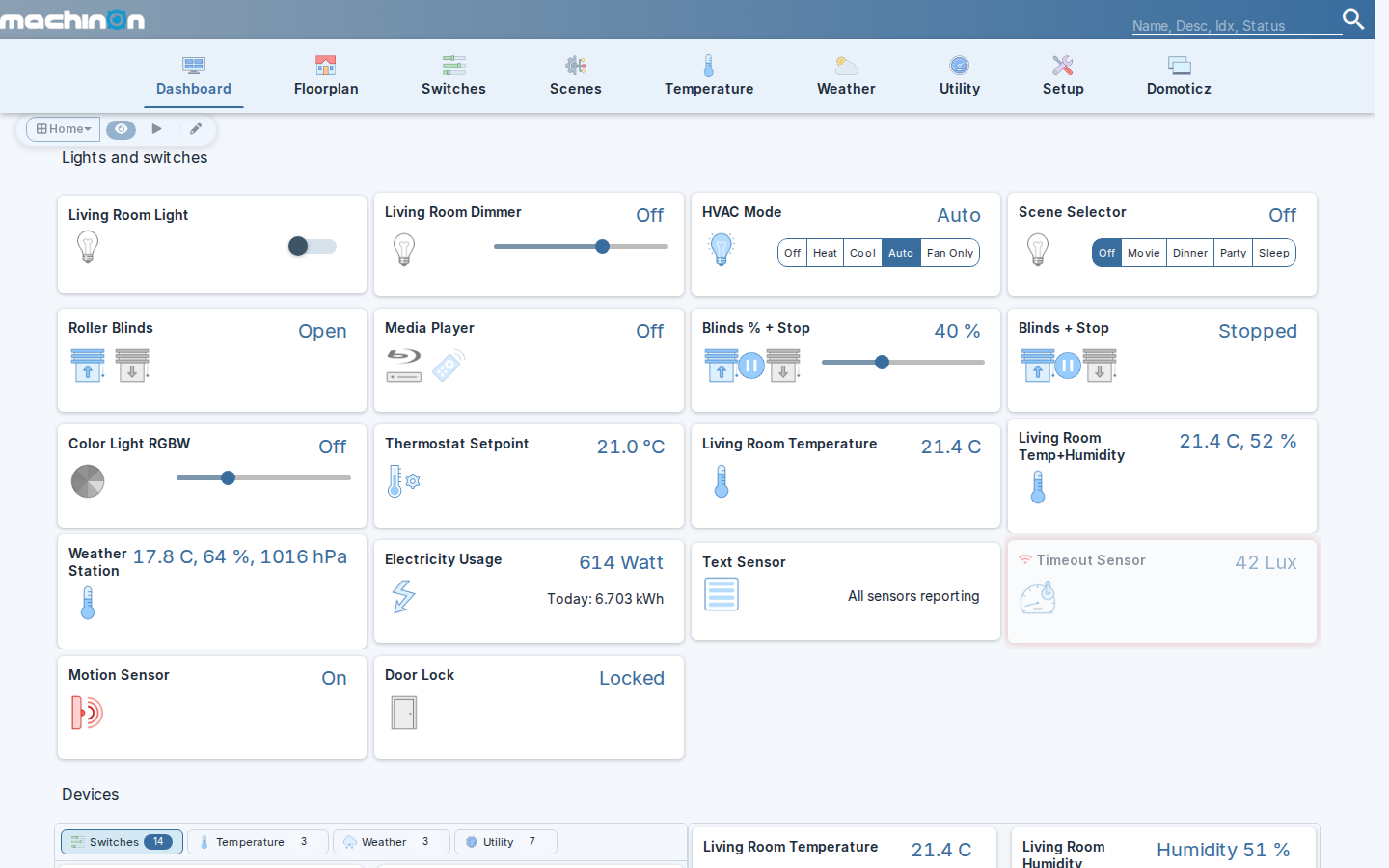
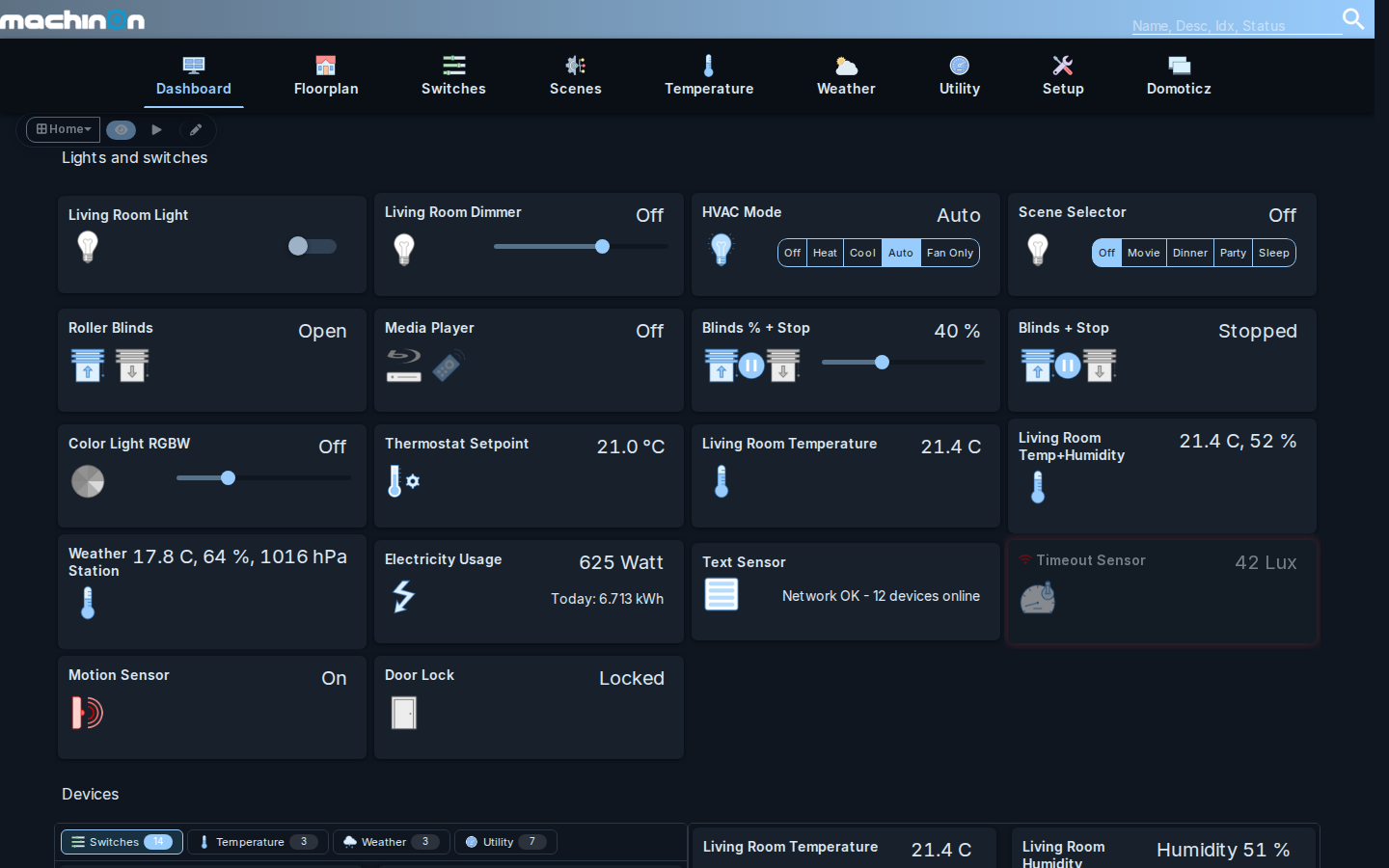
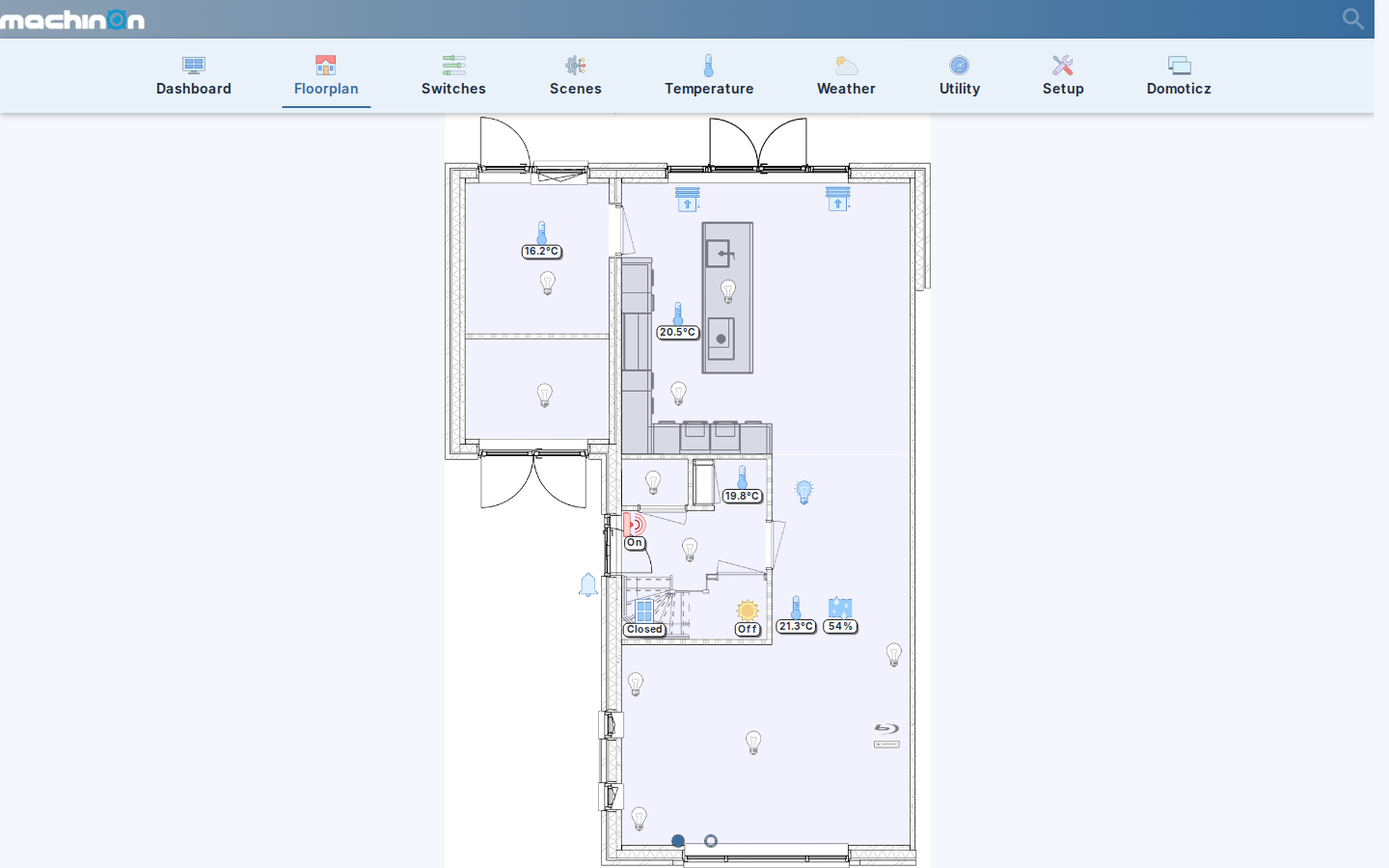
Machinon is a modern theme for Domoticz. It gives your dashboard a clean, card-based look, with matching light and dark modes, a choice of color schemes, a refreshed icon set, and one settings page inside Domoticz, the Theme Hub, where you control all of it.
See the Machinon website for a live, interactive preview of the color schemes and card layout; this manual covers installation and every setting in detail.
Highlights
- Color schemes: eight built-in schemes, each with a light and dark variant, plus a custom color picker if you want to design your own palette.
- One settings page: every setting lives in the Theme Hub, reachable from Domoticz's Setup menu once the theme is active.
- Refreshed icons: a library of over 250 device icons, installed one at a time onto individual devices from the Theme Hub.
- Mobile-ready: dashboards, menus, and dialogs adapt to small screens instead of just shrinking the desktop layout.
- Search that finds things: type in the header box and the page narrows as you type, matching a device's name, description, number, type or hardware. Several words count in any order, and the term follows you from page to page. See Finding devices.
- Problem alerts: a warning icon in the header counts the devices that are timed out or low on battery, and disappears once none are. Click it, or open Problem Devices from the Setup menu, for the full list, each row showing an icon for the problem and when the device was last seen. See Problem devices.
- Fast to load: releases ship as a single flattened stylesheet.
Where to start
New to Machinon? Start with Installation to get the theme running, then open Theme Hub to see what you can configure and how those settings are shared (or not) between users.